- music
- free tools
- Web Audio
Free online drum machine: make beats with CJAM
CJAM is a free drum machine in your browser: 16 pads, trap, drill, boom bap and lo-fi kits, a sequencer, your own samples, autotuned vocals and WAV export.
In this article
Making a beat usually takes a program to install, a sound library and some patience to figure out where to put your hands.
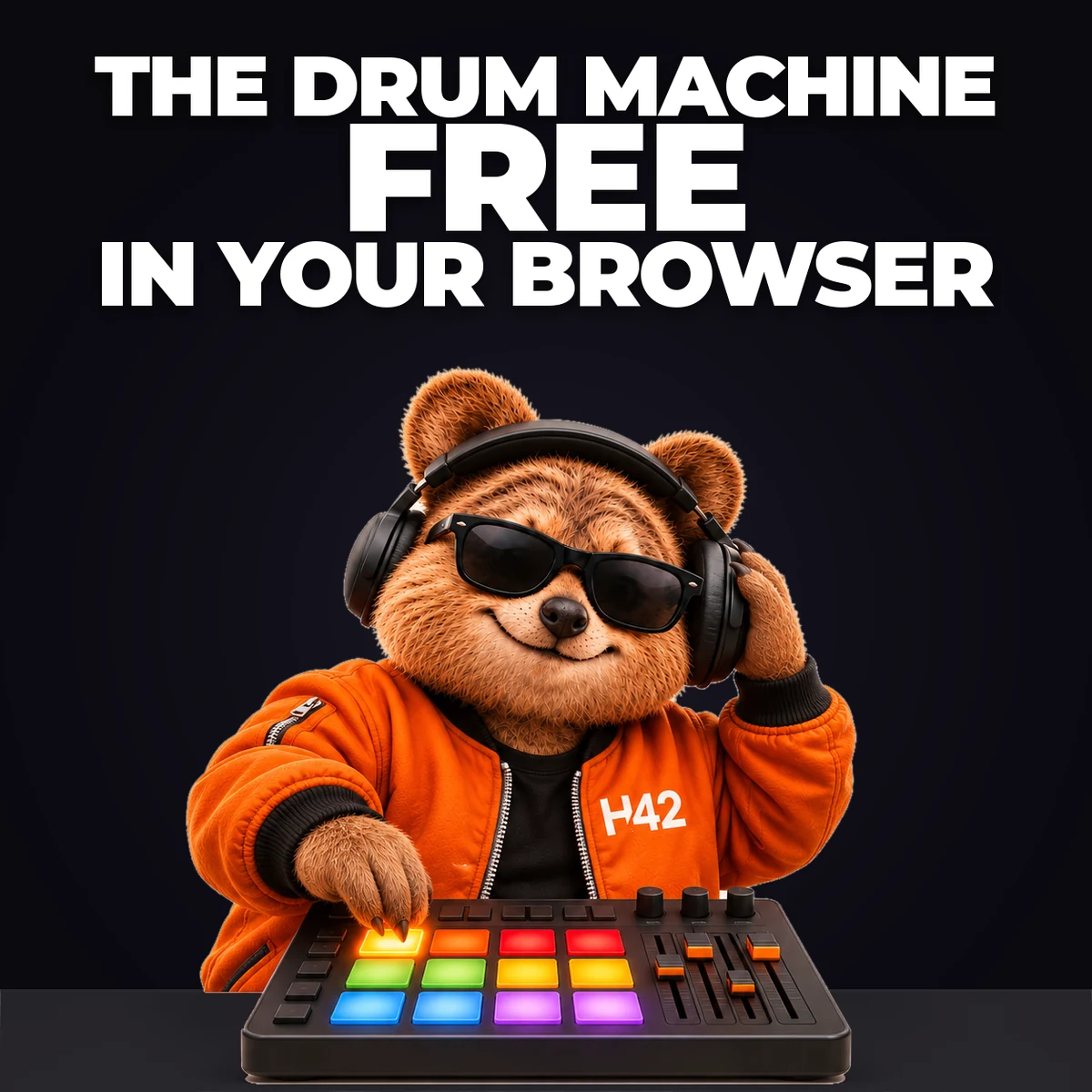
CJAM removes most of that. It is a drum machine that runs in your browser: open the page, tap a pad and hear the sound. You can write a pattern, load your own samples, record your voice and export the beat as a WAV file.
This guide covers how to make a beat in five minutes, how to load your own sounds and slice a beat across the pads, and, for developers, a short look at how it works inside.
What CJAM is
CJAM has 16 pads in a 4x4 grid, each with its own volume fader. You play them with the mouse, with your finger on a phone or with your computer keyboard: the four rows map to the keys 1 2 3 4, Q W E R, A S D F and Z X C V. The space bar starts and stops the beat.
There are four ready-made kits:
- Trap, at 140 BPM;
- Drill, at 142 BPM;
- Boom bap, at 90 BPM with swing;
- Lo-fi, at 80 BPM.
All kits share the same layout: kick, snare, clap and rim on the first row; hi-hat, open hat, percussion and effect on the second; four bass notes on the third; four chords on the fourth. That way a pattern still makes sense when you switch kits.
None of these sounds is downloaded: CJAM creates them in your browser, with audio synthesis, the first time it starts.
Make a beat in 5 minutes
1. Pick a kit. Each kit sets its own BPM and swing. Trap is a good place to start.
2. Play the pads. Try them all to learn what sits under each key. The fader next to each pad sets its volume.
3. Write the pattern in the sequencer. Select a pad and tap the sequencer steps, 16 per bar: each step is a sixteenth note. A pattern can be 1, 2 or 4 bars long. A simple base: kick on steps 1 and 9, snare on 5 and 13, hi-hat on every odd step.
4. Or record it live. Press Rec and play: CJAM records what you do. With the beat stopped, timing starts from your first hit and, when you press Save, the take becomes a pattern of the right length. With the beat playing, each hit lands on the nearest step and is added to the pattern, and the metronome clicks even if it is turned off.
5. Fine-tune. Swing, up to 60%, pushes the even steps later and gives the rhythm a looser feel. For each pad you can change the name, color, pitch from -12 to +12 semitones, stereo position and mode: One shot plays the sample to the end, Hold plays while you hold the pad, Loop repeats it while you hold the pad. There is also a button to mute a pad.
6. Export. Choose 1, 2 or 4 bars and download the WAV. The file is exactly as long as the bars you chose, so it loops cleanly in any program.
A useful detail: hi-hats, basses and chords are in "choke" groups. When you play a pad in a group, it silences the others in the same group, just like the open and closed hi-hat on a real kit or a bass that plays one note at a time.
Load your own sounds and slice a beat across the pads
Every pad can play your own sample instead of the kit sound. CJAM reads WAV, MP3, OGG, M4A, AIFF and FLAC: you can load the file from the pad panel or drag it straight onto the pad.
One interesting use is slicing a whole beat into 16 pieces and playing it from the pads. That is what I did in the video below with the beat "Cemento" by Pietro Bombara, at 121 BPM.
Beat: Cemento by Pietro Bombara.
The steps:
- Work out the length of one beat. Divide 60 by the BPM: at 121 BPM one beat lasts about 0.496 seconds.
- Slice the beat. In an audio editor, even a free one like Audacity, set the grid to the beat's tempo and cut 16 pieces of one beat each. Sixteen beats make four bars.
- Number the files. Names like 01, 02, 03 up to 16 save you from getting lost later.
- Load the slices onto the pads. One per pad, in order, dragging them from the folder. Leave the mode on One shot.
- Match the tempo. Set CJAM to 121 BPM, the tempo of the original beat.
- Play. By hand you can reshuffle the slices however you like. To hear the beat as it was, set the pattern to 4 bars and put pad 1 on step 1, pad 2 on step 5, pad 3 on step 9 and so on, one pad every four steps.
Two things to know. A pad's pitch also changes the sample's speed, like on a turntable: a slice raised by one semitone gets a little shorter. And pads 5 and 6, and those on the last two rows, are in choke groups: a slice stops the previous one in the same group, which with sliced samples is usually exactly what you want.
If you use another producer's beat, ask for permission and always credit the author, as this article does.
Record your voice with autotune
On the selected pad you can record your voice from the microphone, up to 15 seconds. CJAM trims the silence at the start and end and brings the volume to a consistent level.
Then you can turn on pitch correction: choose the key, the scale (chromatic, major or minor) and the strength. At full strength the effect is obvious, autotune style; lower down it sounds more natural. Correction also works on an uploaded file, and you can redo it with different settings, always starting from the original recording.
How it works inside
This part is for developers. CJAM is a Next.js page built on the browser's Web Audio API, with no external audio libraries.
Synthesized sounds, no samples to download
Every kit sound is a small synthesis recipe: oscillators, noise, filters and envelopes. On first start each recipe runs once in an OfflineAudioContext, which computes audio without playing it, and the result becomes an AudioBuffer. From then on the pads always play buffers, for both the kits and your uploaded samples. The page downloads no audio files.
A lookahead scheduler
JavaScript timers are not precise: a setInterval can fire many milliseconds late if the browser is busy drawing the page. For a beat, that is too much.
The fix is to use two clocks. A setInterval every 25 milliseconds looks 120 milliseconds ahead and schedules the hits that fall in that window on the AudioContext clock, which is sample-accurate. The timer can be sloppy: the hits are already queued at the right moment.
while (s.next < e.ctx.currentTime + 0.12) {
  const step = s.step, time = s.next + swingOffset(step, x.bpm, x.swing);
  for (let i = 0; i < 16; i++) if (x.steps[i][step] && !x.pads[i].mute) e.trigger(i, paramsOf(x.pads[i]), { time, gate: sd });
  s.next += sd; s.step = (step + 1) % PL;
}
// on start: tick(); s.timer = setInterval(tick, 25);
Swing is just a delay on the even steps, computed in the same place. The interface, the pad that lights up and the step that moves, follows along with requestAnimationFrame, reading the same queue. When the tab goes to the background, the beat stops.
WAV export through the same chain as live play
Every pad goes through the same chain: source, volume, pan, master and a final compressor. The function that builds the chain accepts any audio context, so the export rebuilds the same setup in an OfflineAudioContext that is exactly as long as the bars you chose. The result is encoded as a 16-bit WAV right in the browser.
That is why what you hear is what you download: same volumes, same pan, same swing, same choke groups.
The voice: YIN and TD-PSOLA
Autotune takes two steps. First the YIN algorithm finds, frame by frame, the note you are singing. Then TD-PSOLA shifts the pitch toward the nearest note of the chosen scale by working on the individual periods of the waveform: the voice changes note without changing length. It all happens in the browser, on the recorded data.
Everything stays in the browser
Settings and patterns are saved in localStorage. Uploaded samples and recordings, too large for localStorage, live in IndexedDB. No file is sent to a server, and when you reopen the page your project is still there. The interface is in English and Italian.
Before you export the beat
Before downloading the WAV, check at least these points:
- The BPM matches the tempo of the samples you loaded.
- The pattern length and the export bars match.
- No pad is muted by mistake.
- The levels are balanced: kick and snare do not bury everything else.
- You have the rights to any samples you did not make, and you know how to credit their author.
CJAM belongs to the same family of free tools as the QR code generator and the tools for images, colors and QR codes: all in the browser, no account needed.
Sources

Alessio Ferraro
meet al33xfHave a project in mind?
Hash42 Labs designs and builds web apps, websites and digital products for businesses, with security built in from day one. The same principles behind this article power Manji and Muni.